close

Smart Align mobile phone based alignment for Digital Projection Projectors

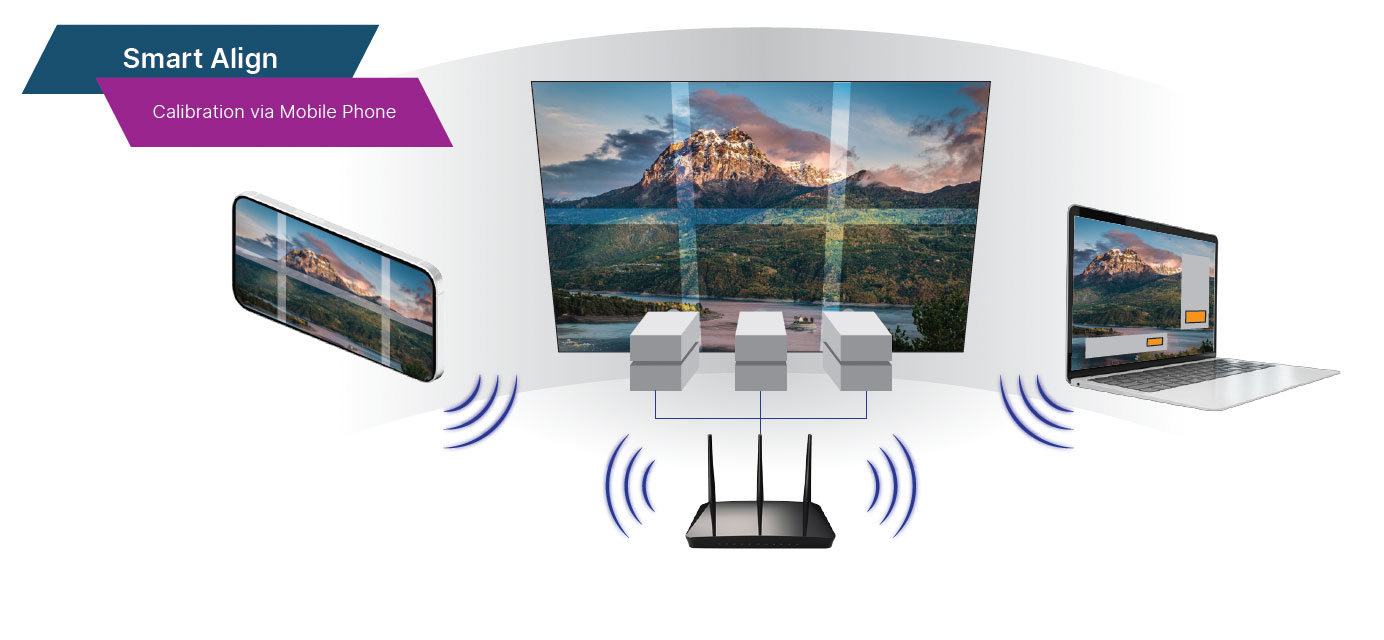
Autocalibration with your mobile phone

If you need to quickly align and colour match your projectors on site, but do not have any 3rd party equipment, then Smart Align is the perfect tool to help. All you need is your mobile phone and Projector Controller II and you can get up and running in minutes.


Quick Overview

  • Mobile Phone (via Smart Align App – Android and iPhone)
  • Flat Screen only
  • Nvidia Graphic Card support only
  • Free
Smart Align

Compare Smart Align with Advanced Align

Smart AlignAdvanced Align
PriceFreePaid (Contact your regional sales manager for more details)
CameraMobile phoneIndustrial camera or webcam
Screen TypeFlat Screen OnlyFlat screen, curved screen, full & partial dome, custom 3D shape
FunctionalityAlignment, Color Matching, StackingAlignment, Edge-blending, Stacking, Content Mapping, Geometry Correction, Integration (VWF, MPCDI, NVAPI), Automation
Number of projectorsUp to 6 (1×2, 2×1, 2×2, 3×1, 3×2) projector arrayNo limit, subject to camera’s field of view
Warp & Blend processingIn the projector hardwareIn projection hardware, hybrid (processing both in hardware and software)

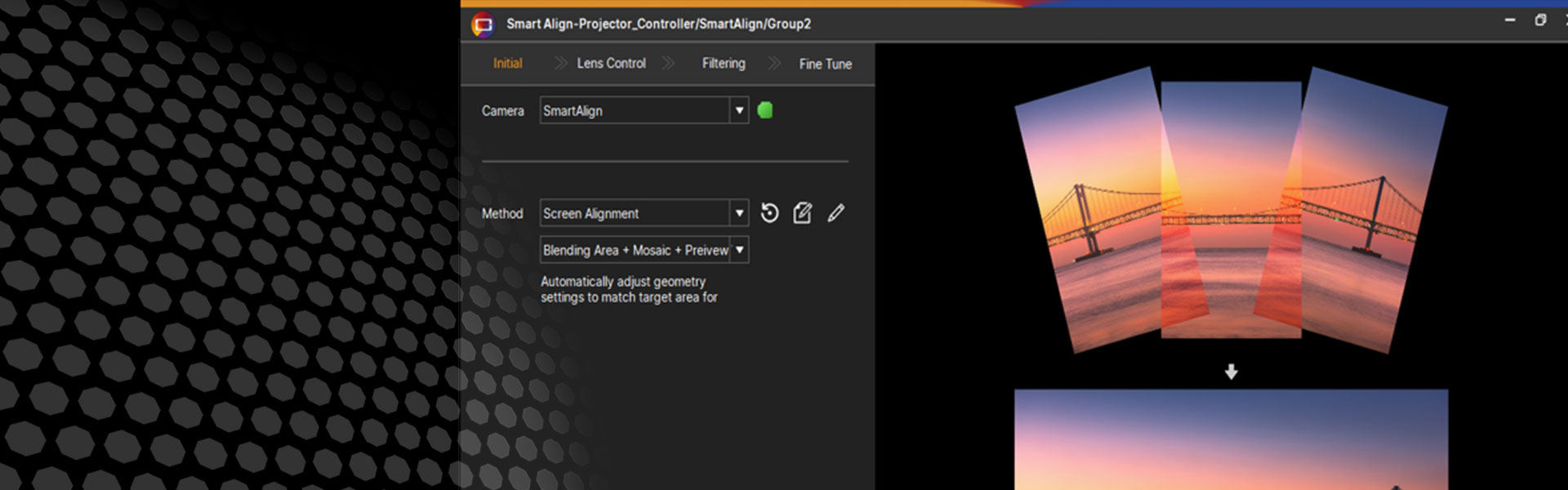
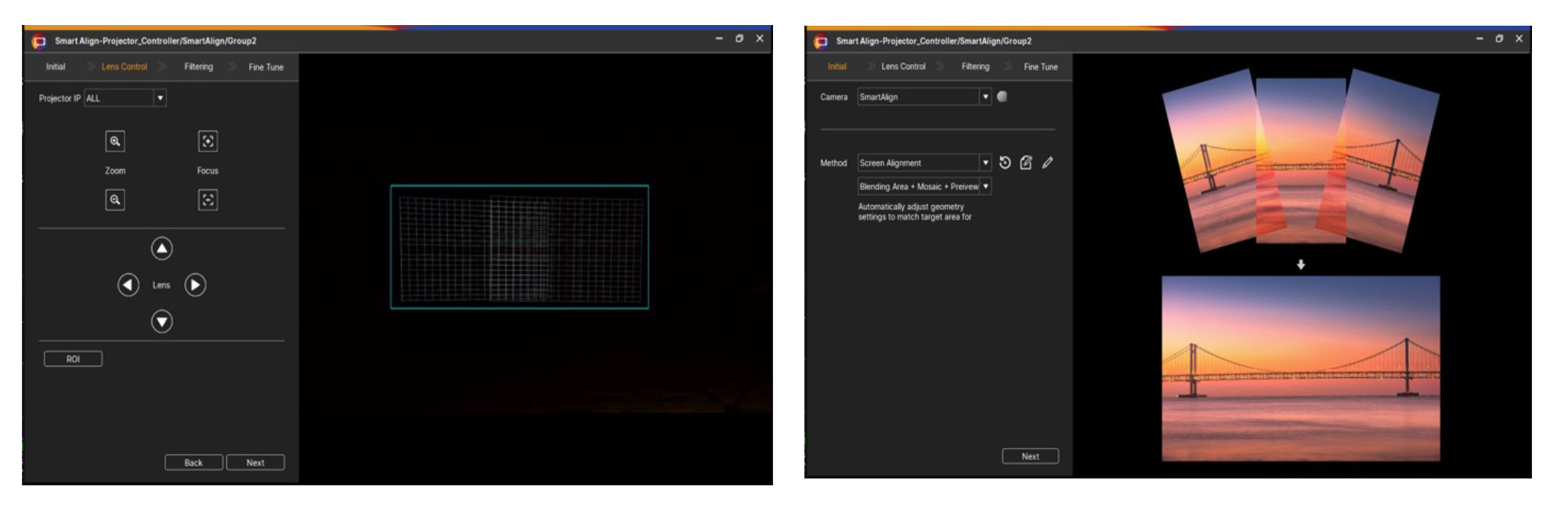
Screen Alignment

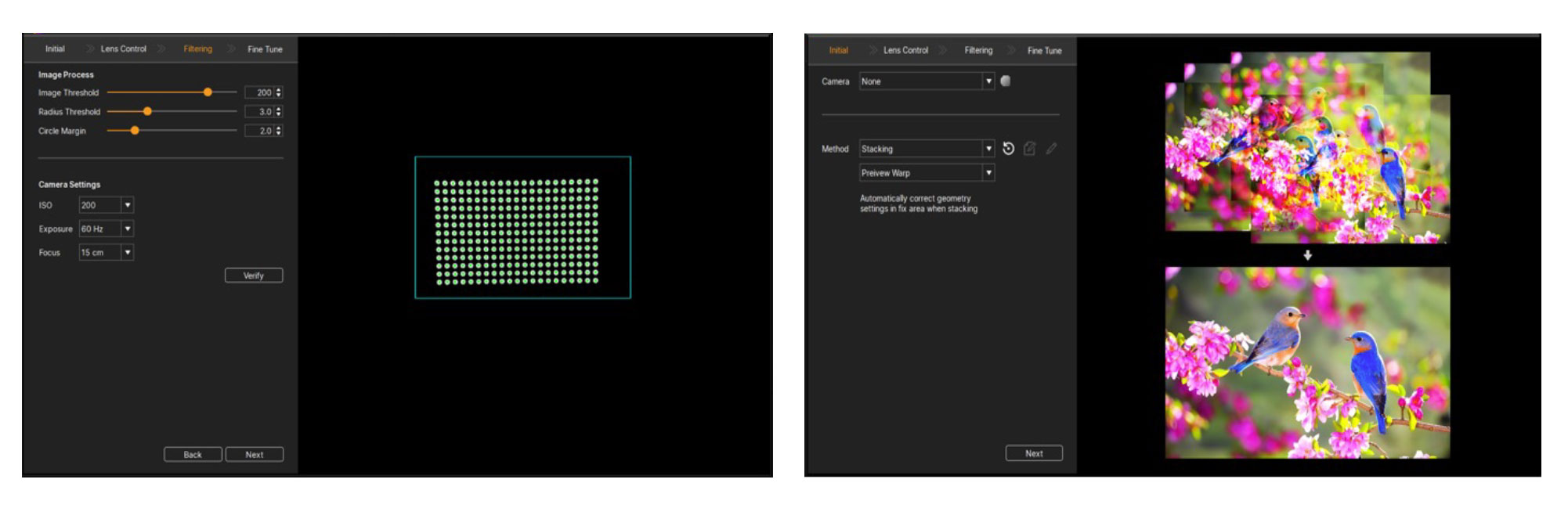
Quickly align your screens using your mobile phone and our free “Smart Align” tool

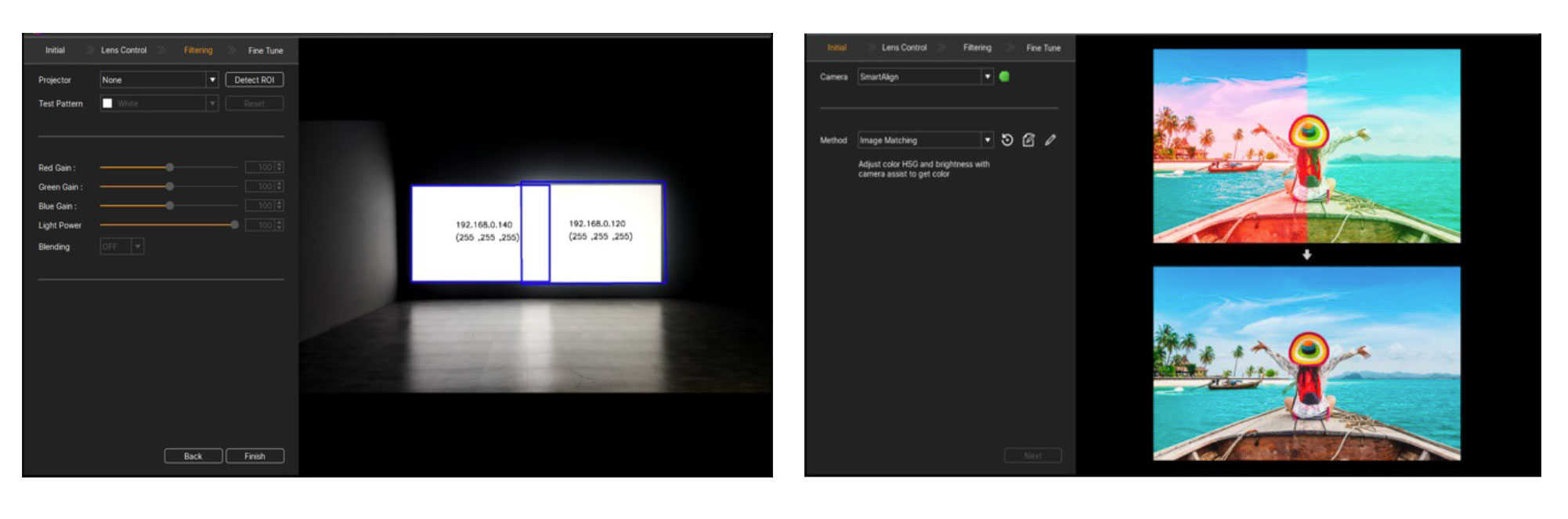
Screen Matching

Match the screen colour across multiple projectors to ensure a seamless, beautiful blend

Projector Screen Matching

Projector Stacking

Stack multiple projectors and align them for more brightness

Stack projectors and align them

Still planning your project?

Download your free trial of Multi Projection Simulator Pro