


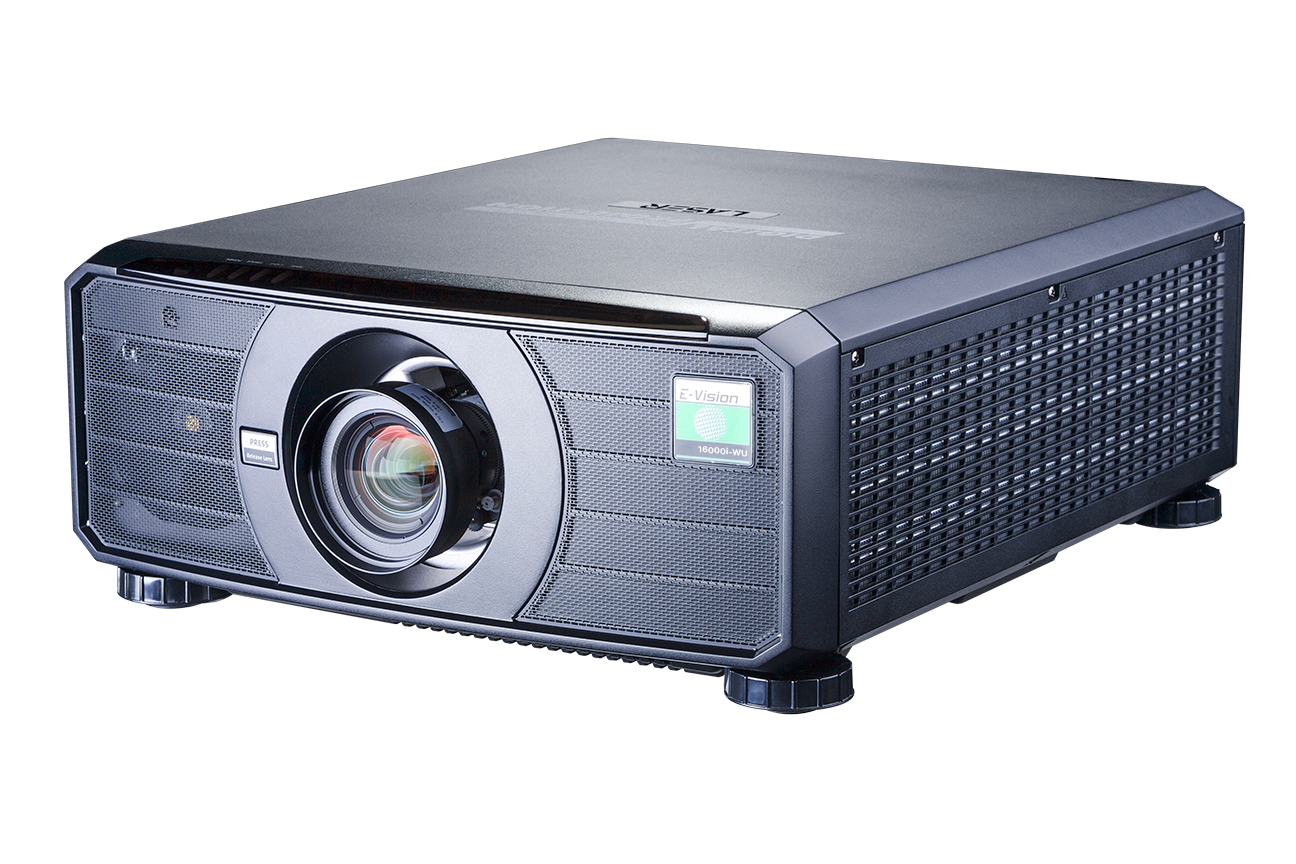
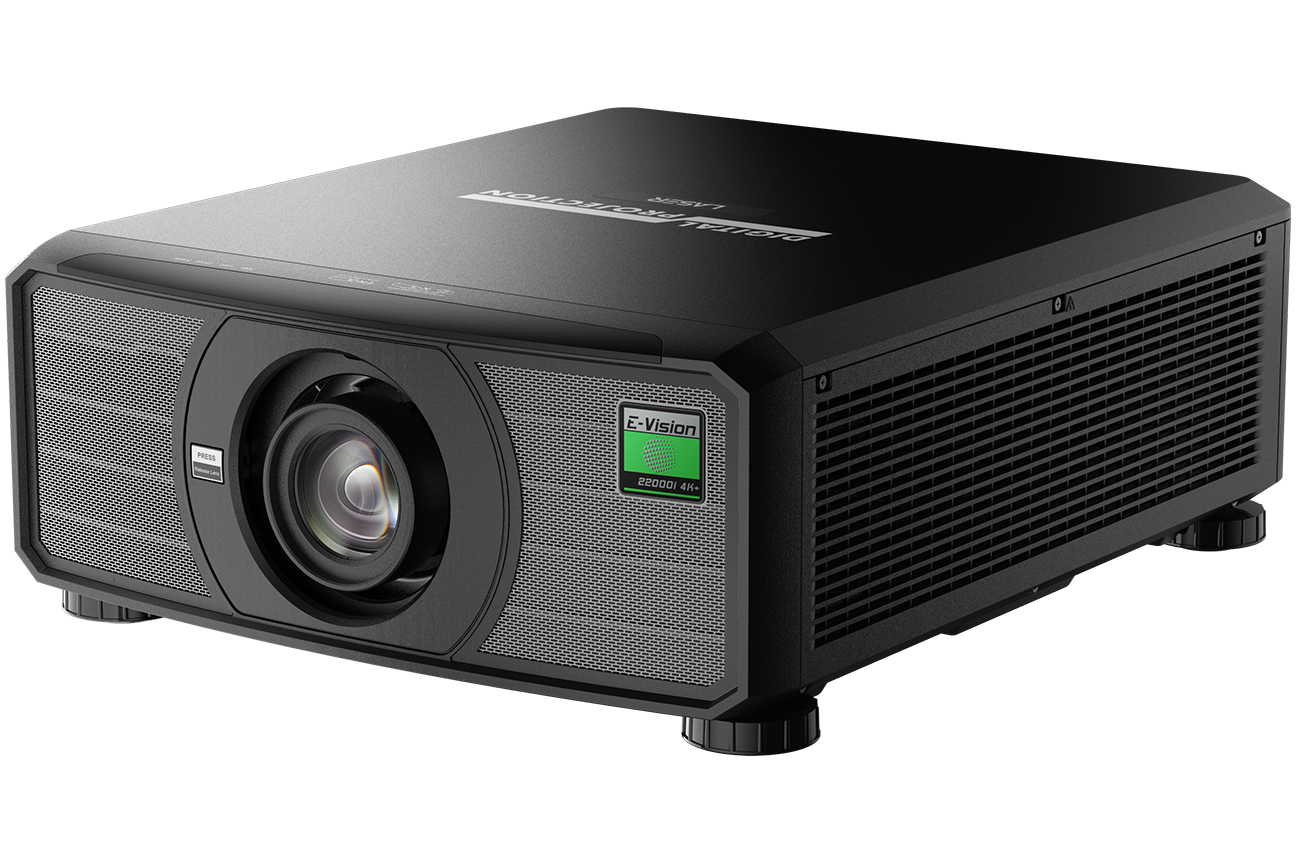
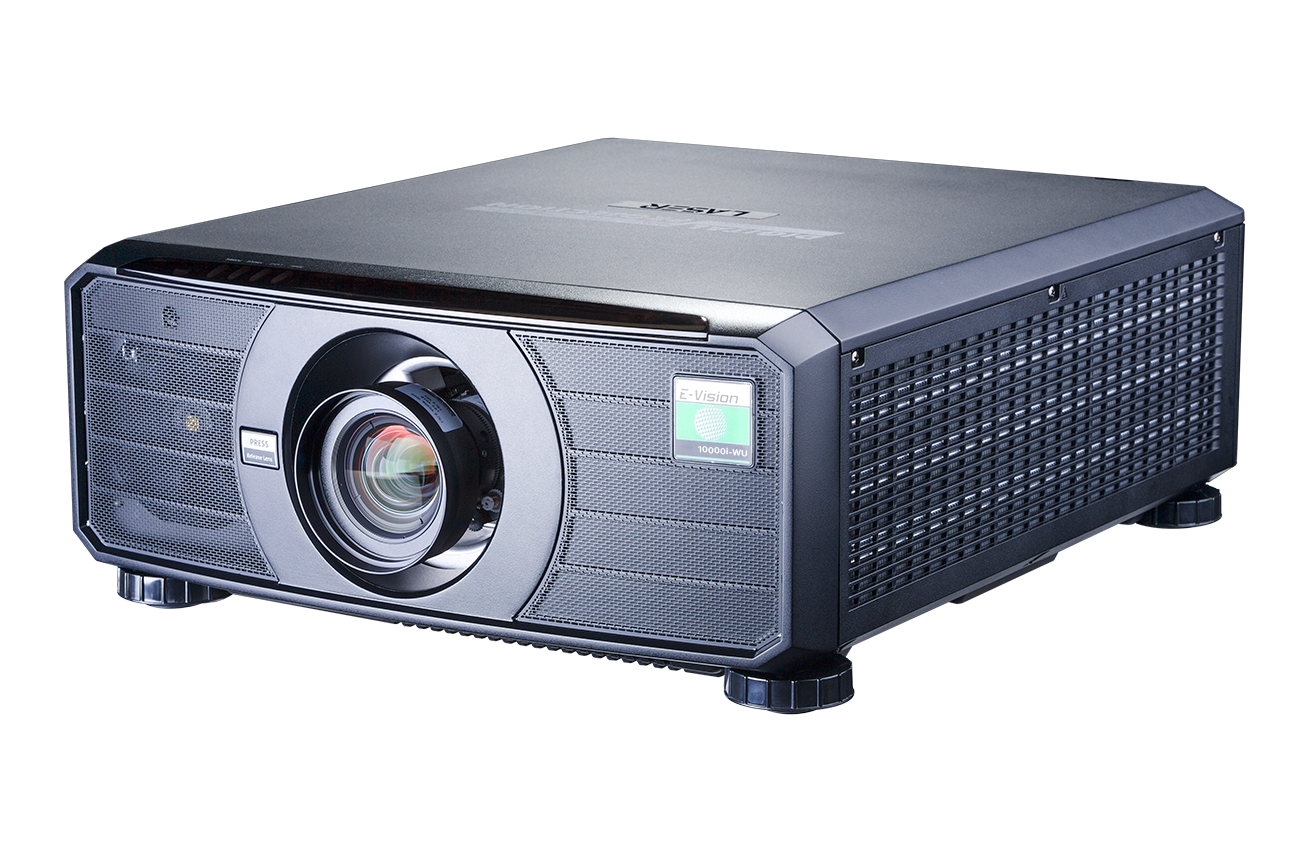
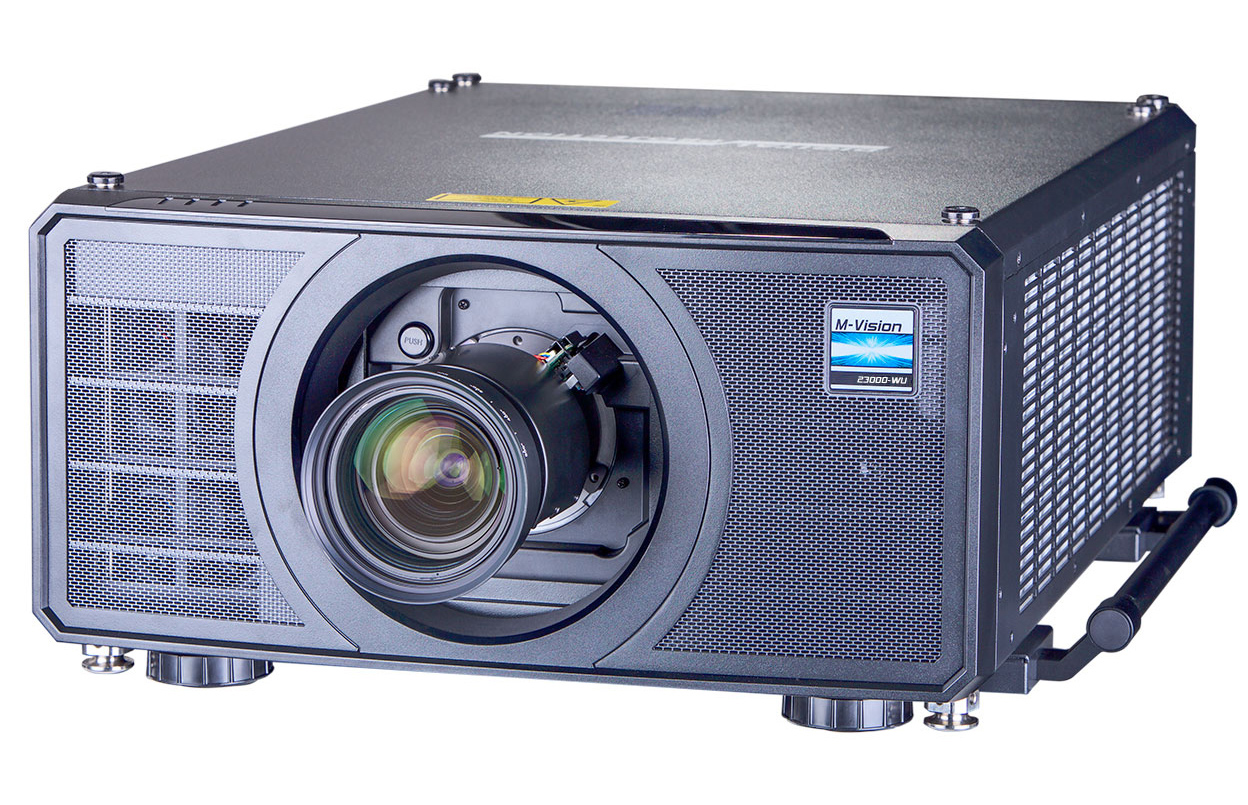
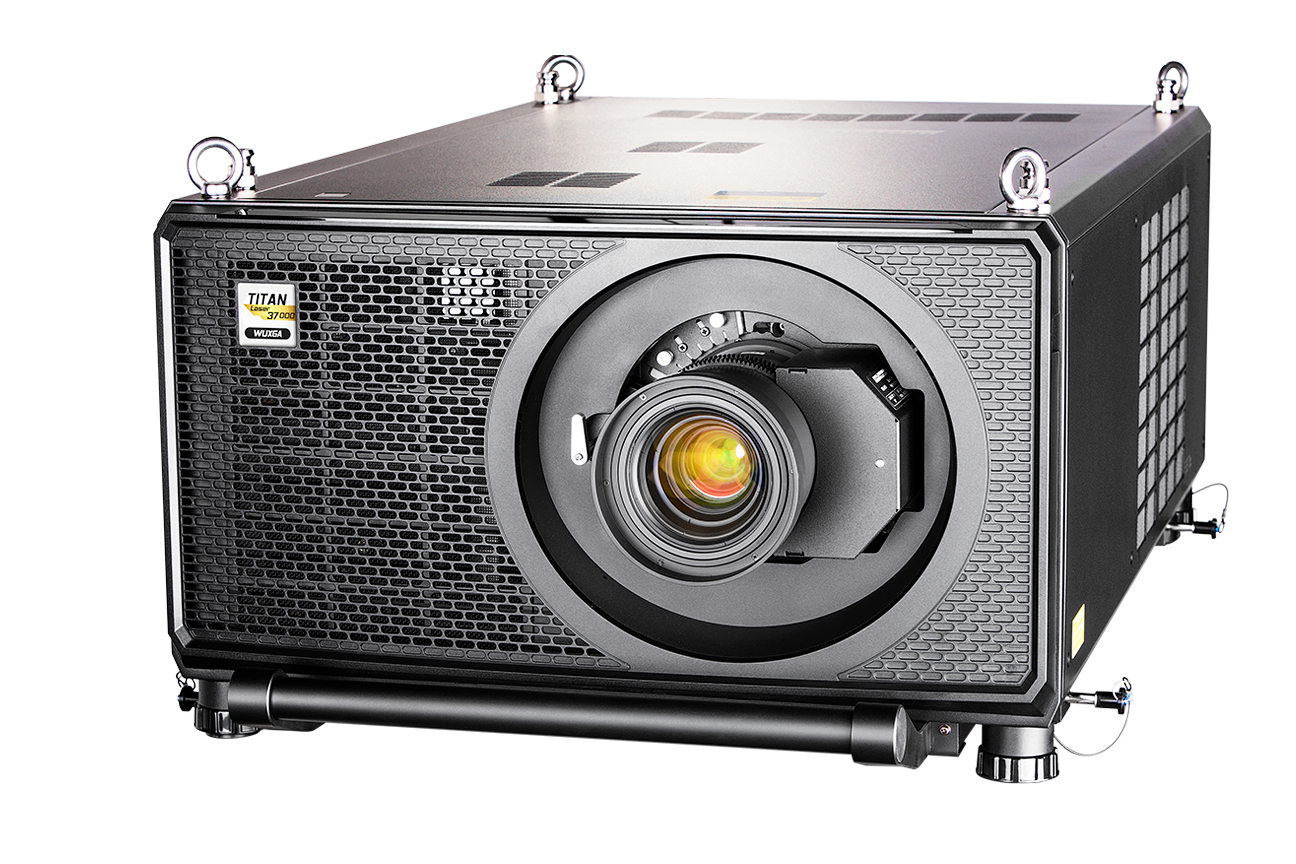
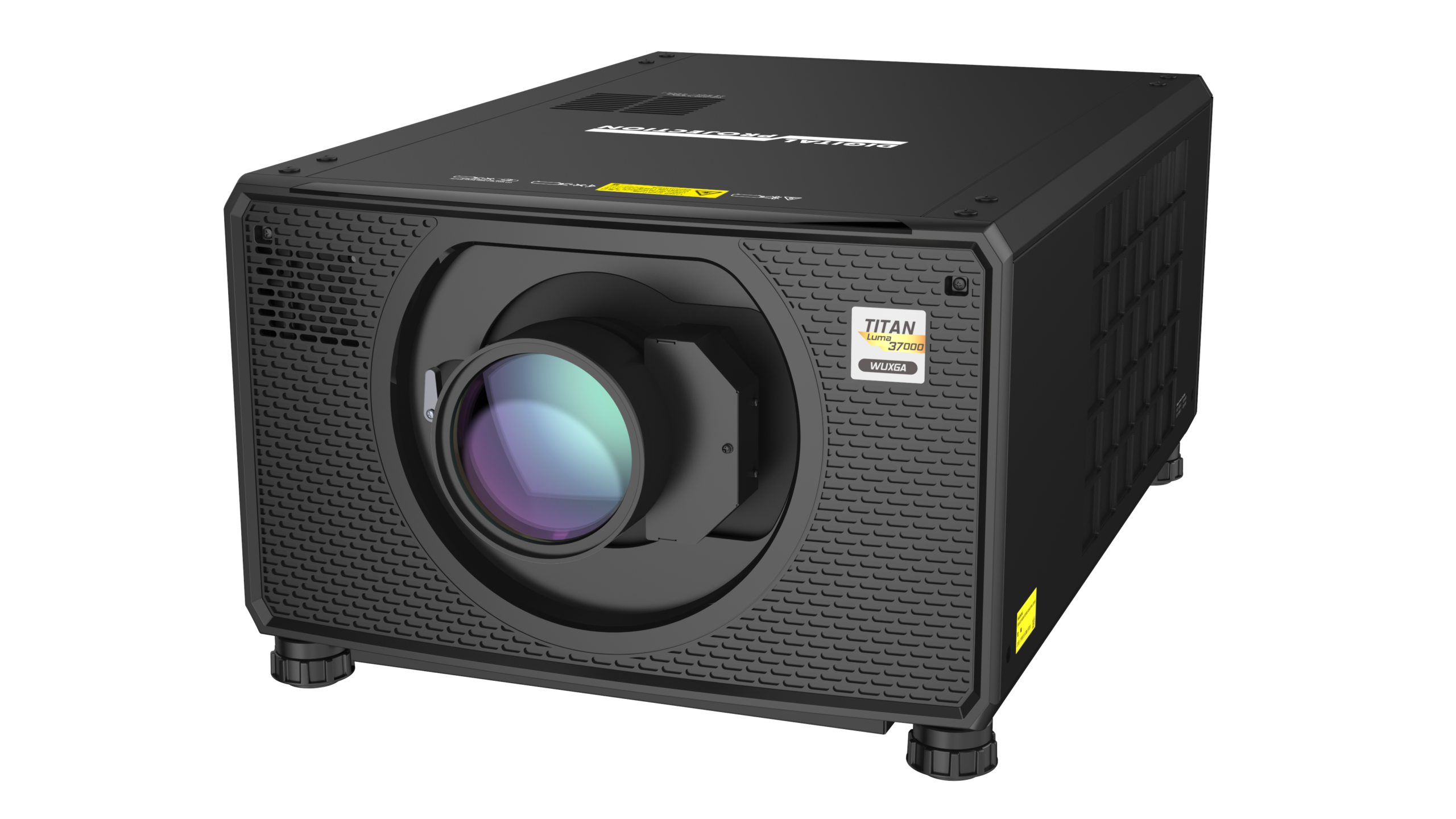
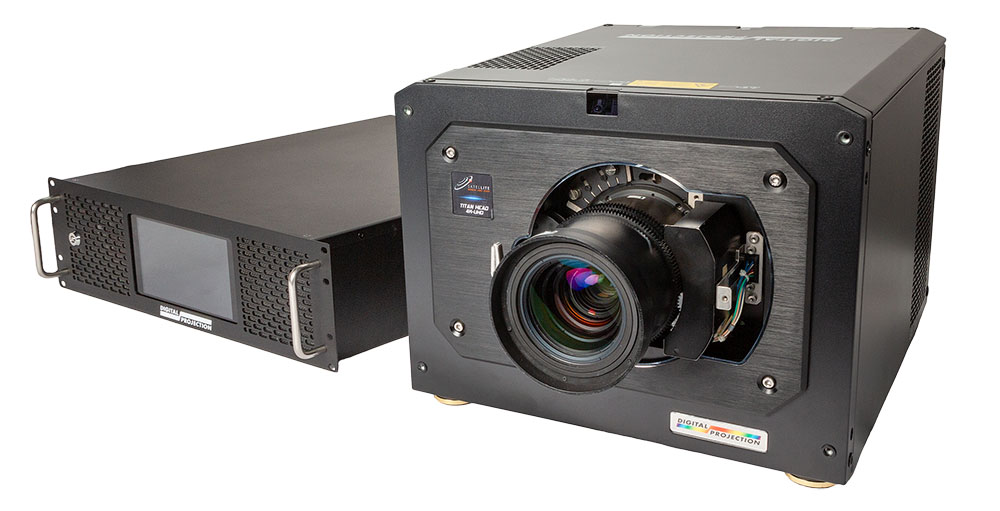
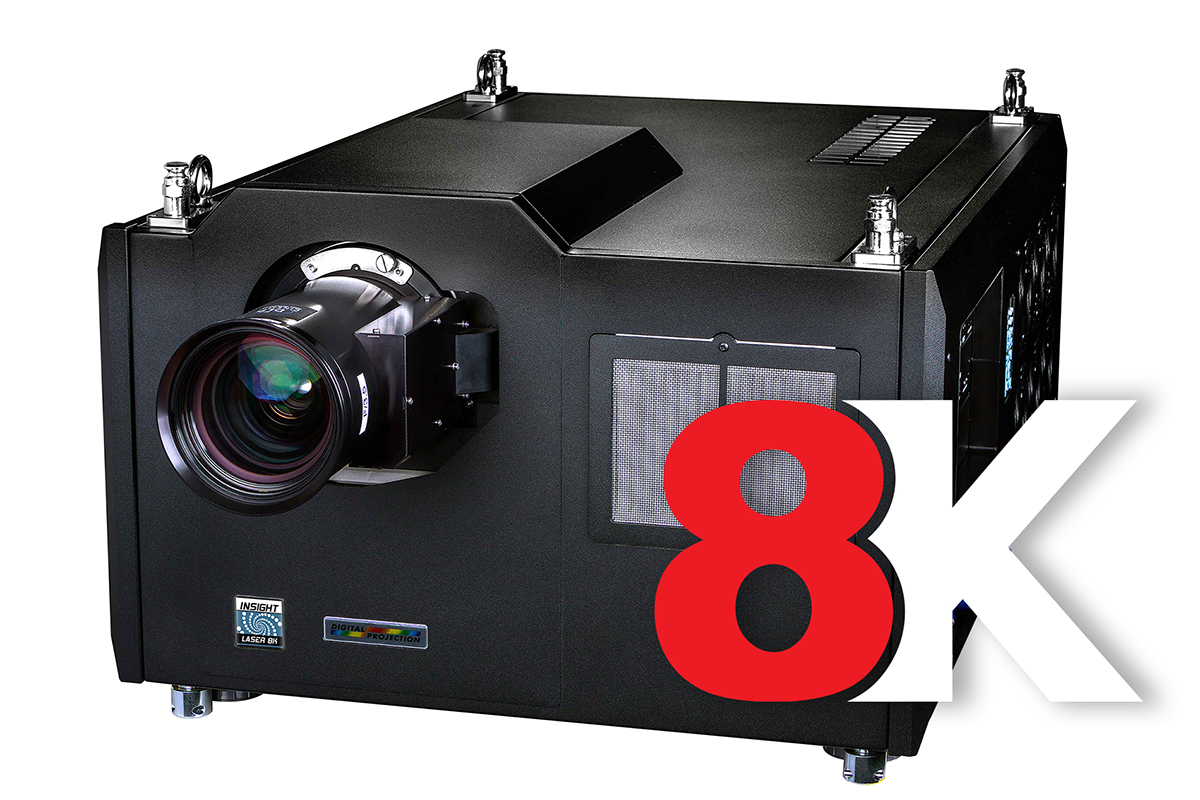
 Overview
 Web-based Simulator Tool
 Multi Projection Simulator Pro
 Projector Controller II
 Smart Align (add-on)
 Advanced Align (add-on)



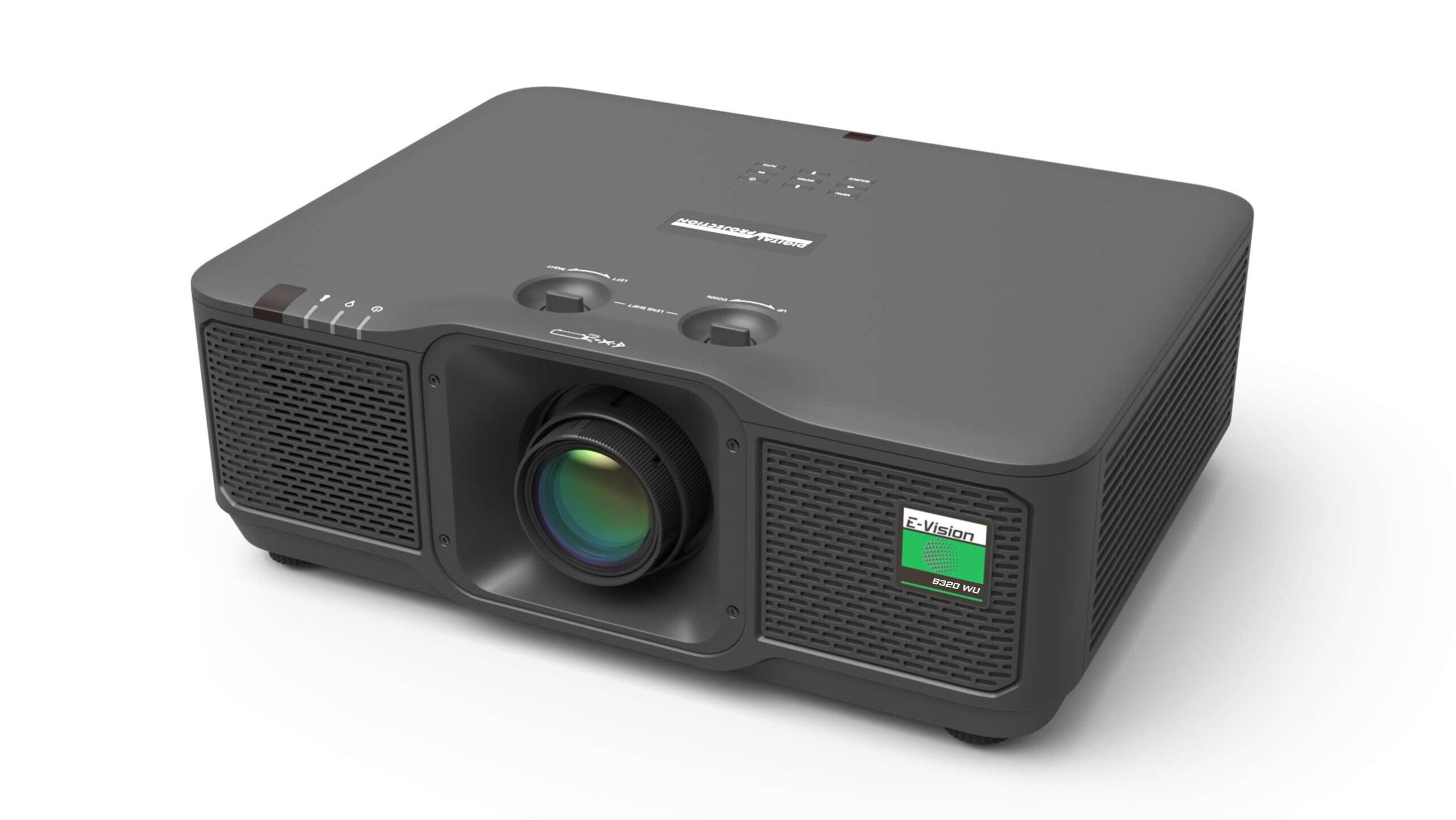
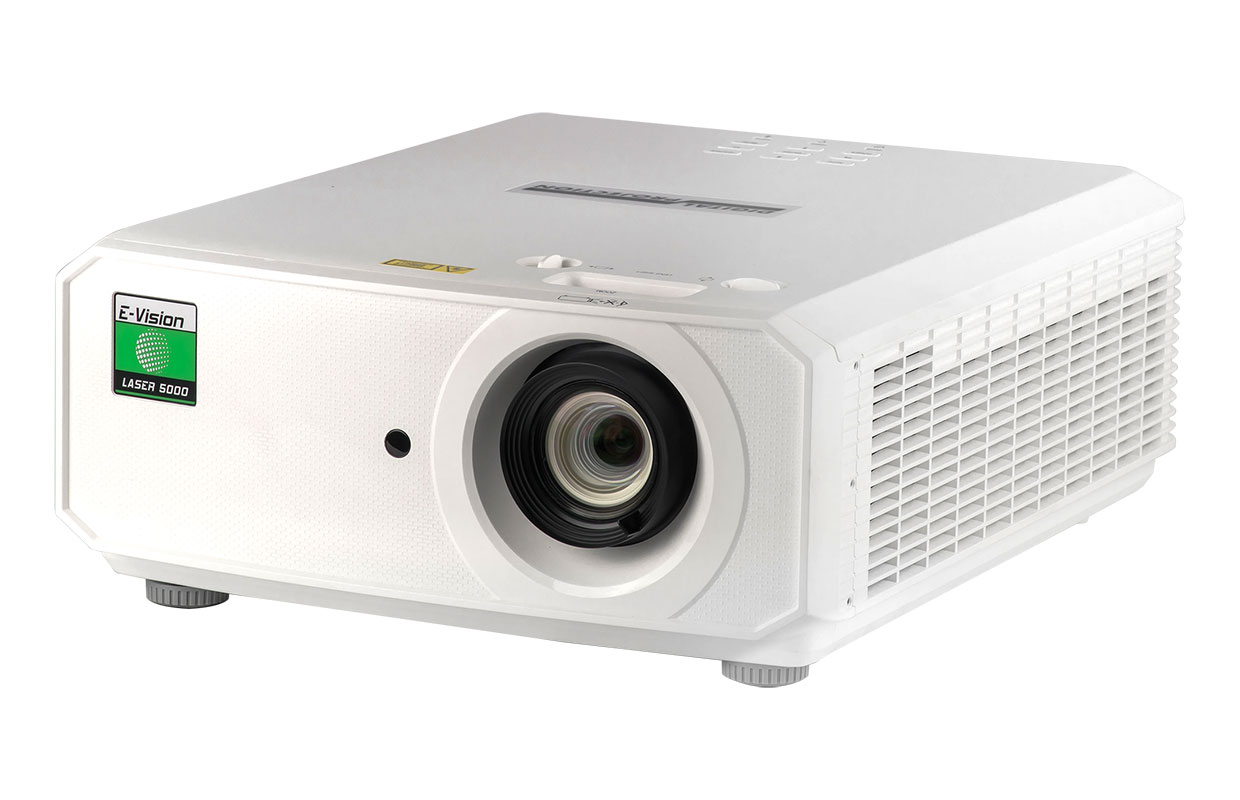
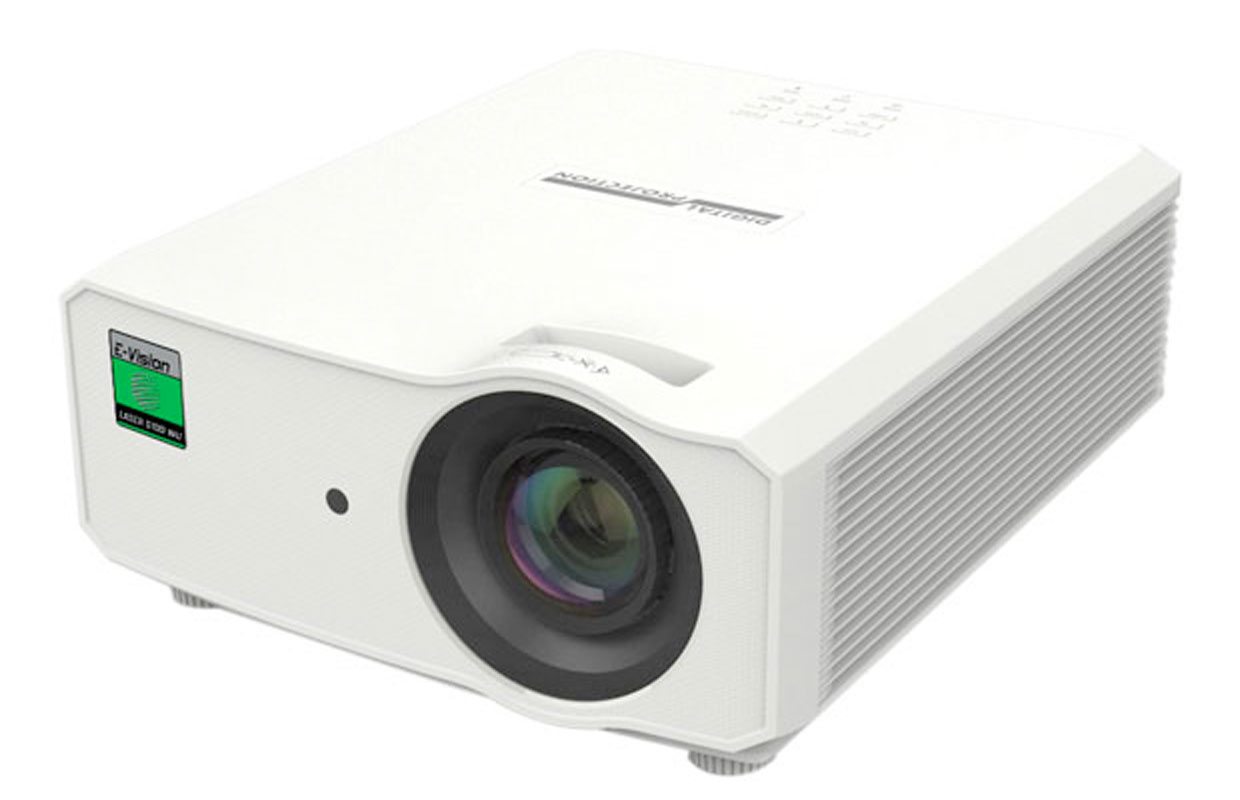
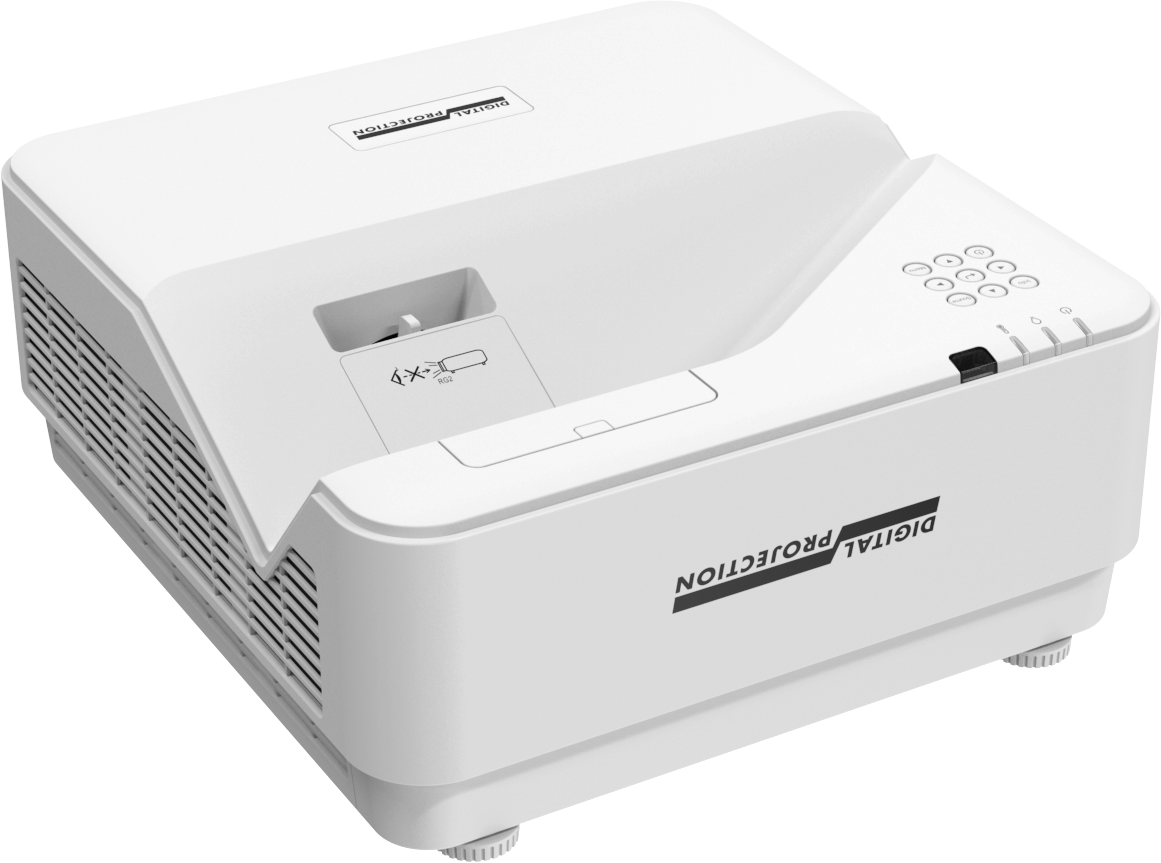
Spring is the perfect time to offer customers a thorough cleaning of their AV equipment. A little maintenance goes a long way in preserving performance and longevity.
Projector Cleaning Checklist:
- Wipe down the exterior to remove dust, cobwebs, and debris.
- Gently vacuum the vents to clear airflow obstructions.
- Replace filters (if applicable) after ensuring the projector’s exterior is dust-free.
- Clean the lens with a specialized lens cleaner, ensuring the projector has been off for at least 60 minutes.
- Test and recalibrate: Turn on the projector, display an internal grid pattern, and let it warm up for at least 15 minutes before adjustments.












 Request a Callback
