


 Overview
 Web-based Simulator Tool
 Multi Projection Simulator Pro
 Projector Controller II
 Smart Align (add-on)
 Advanced Align (add-on)


“The quality and reliability of Digital Projection’s products that we’ve used in the past has given us – and our customers – a great deal of peace of mind. If I attach my name to it, I’m only going to specify trustworthy brands like DP.”


High-Performance Projectors
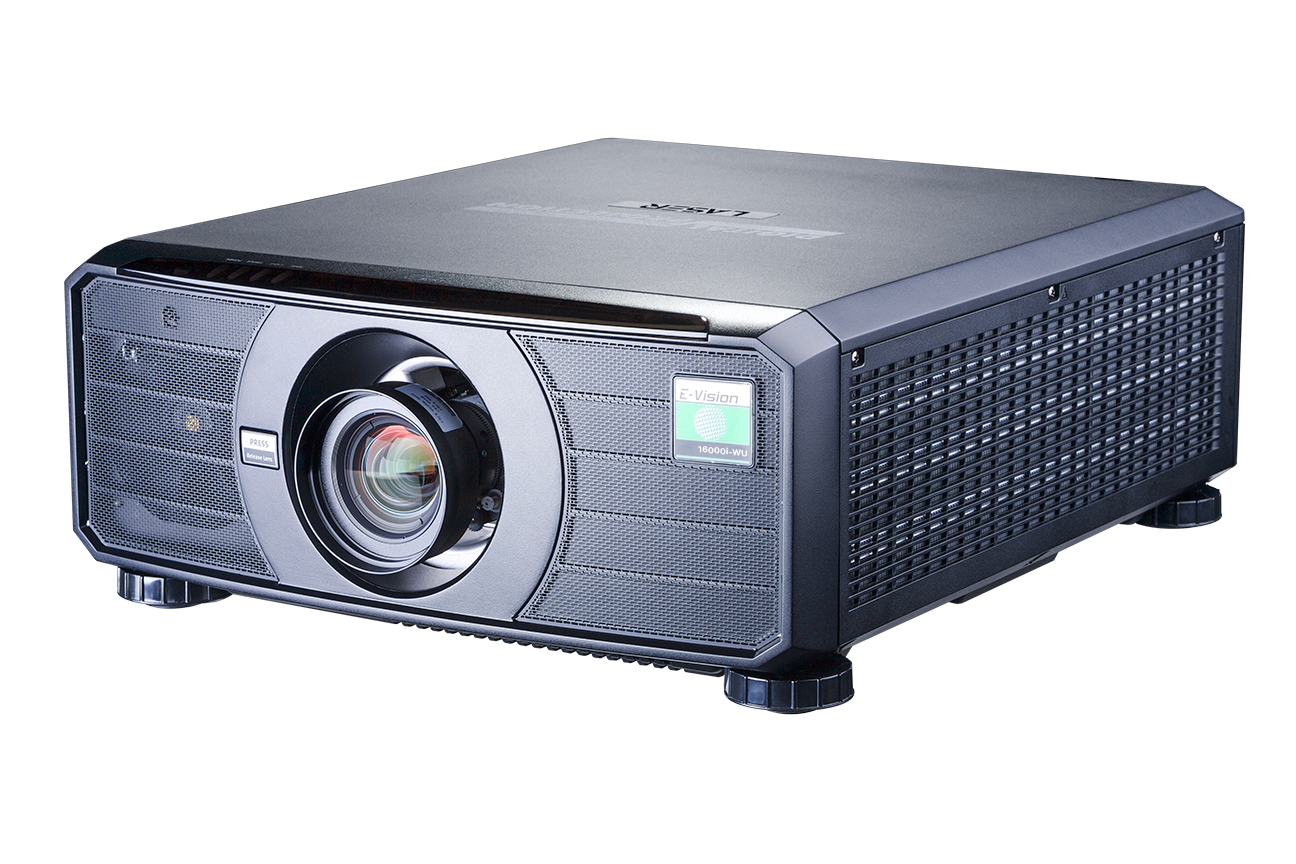
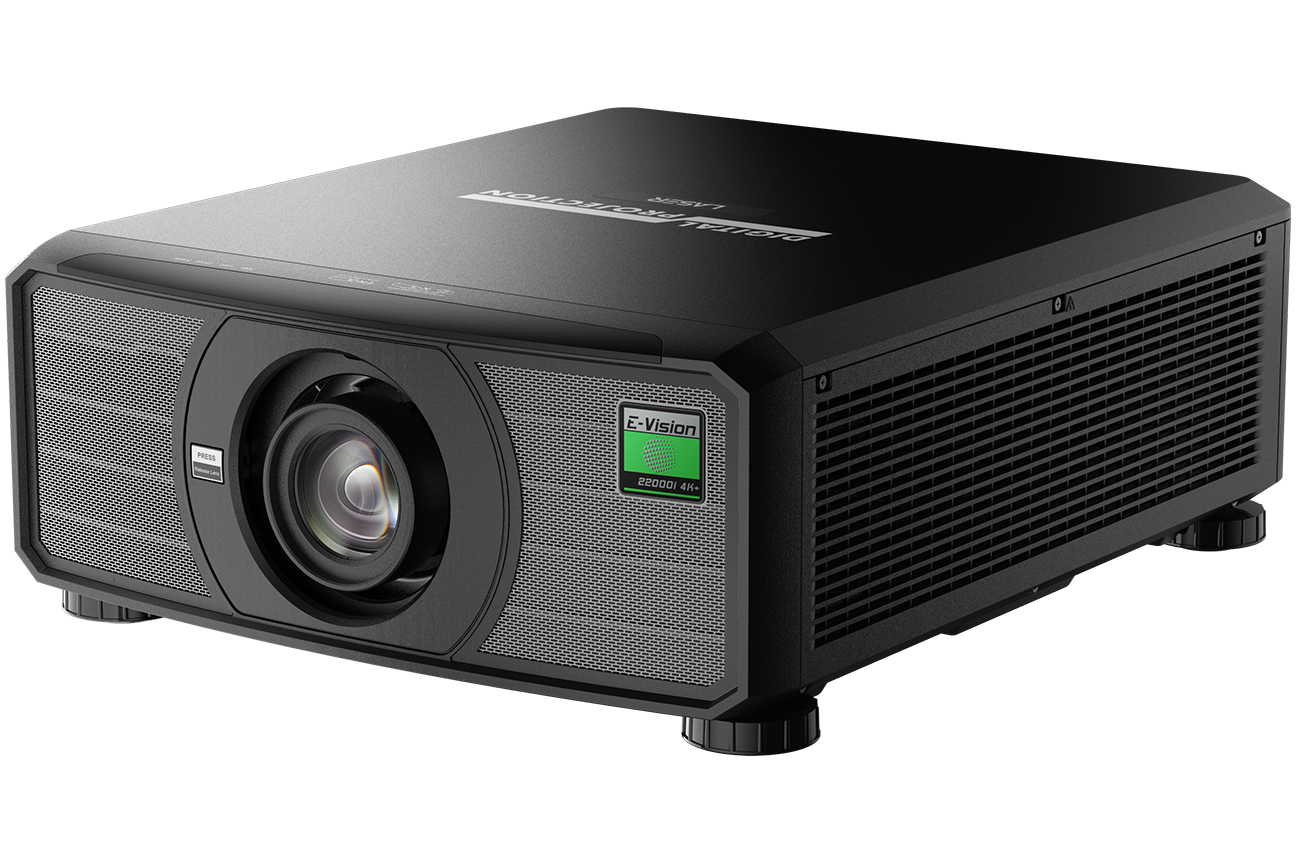
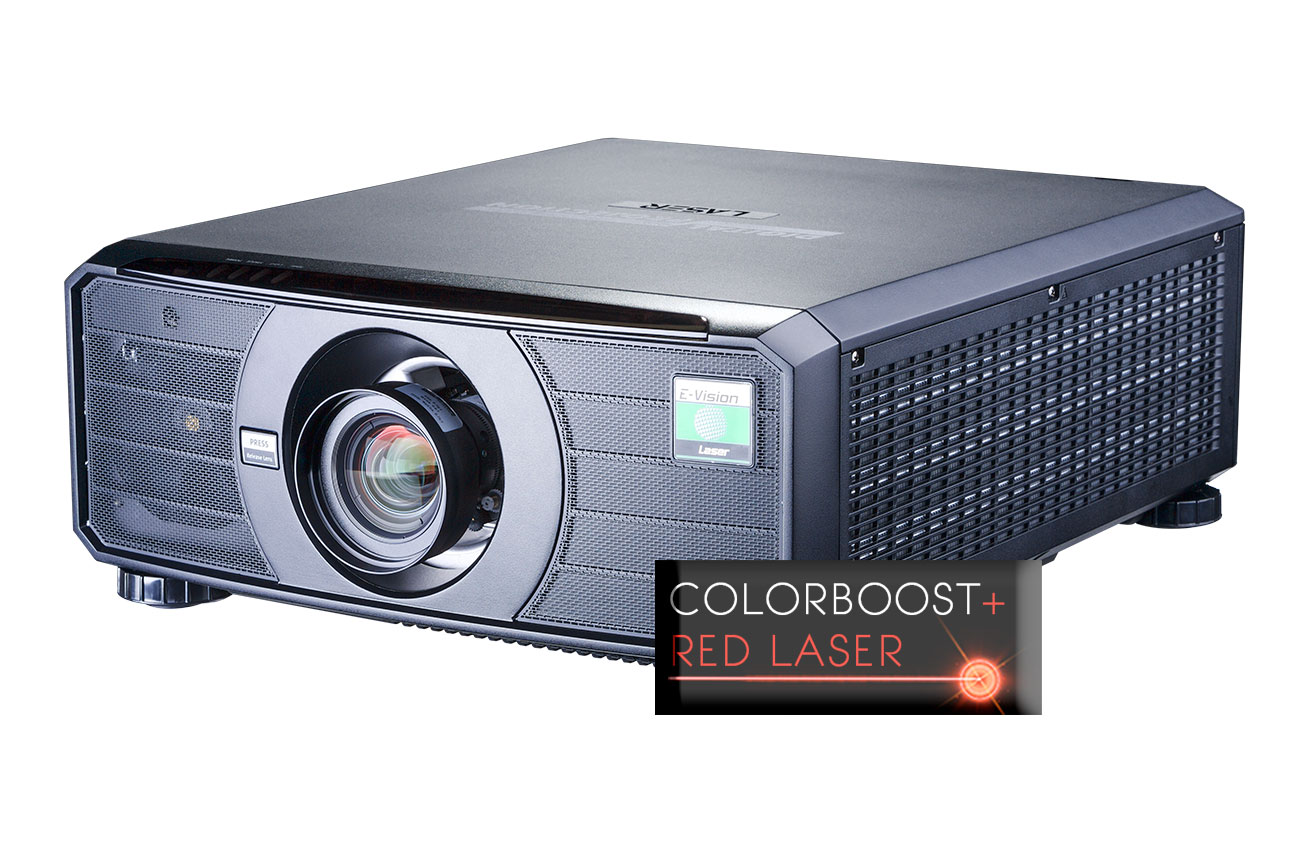
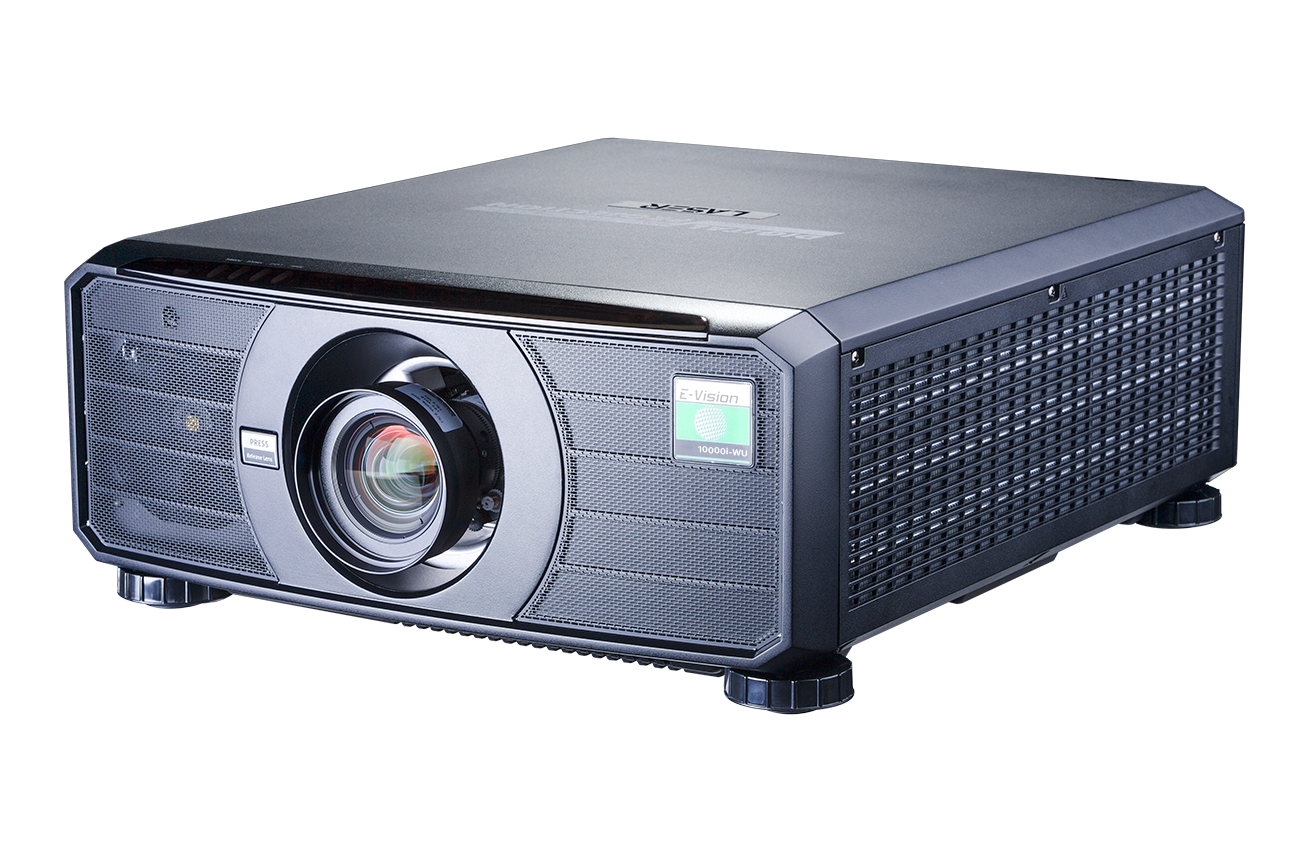
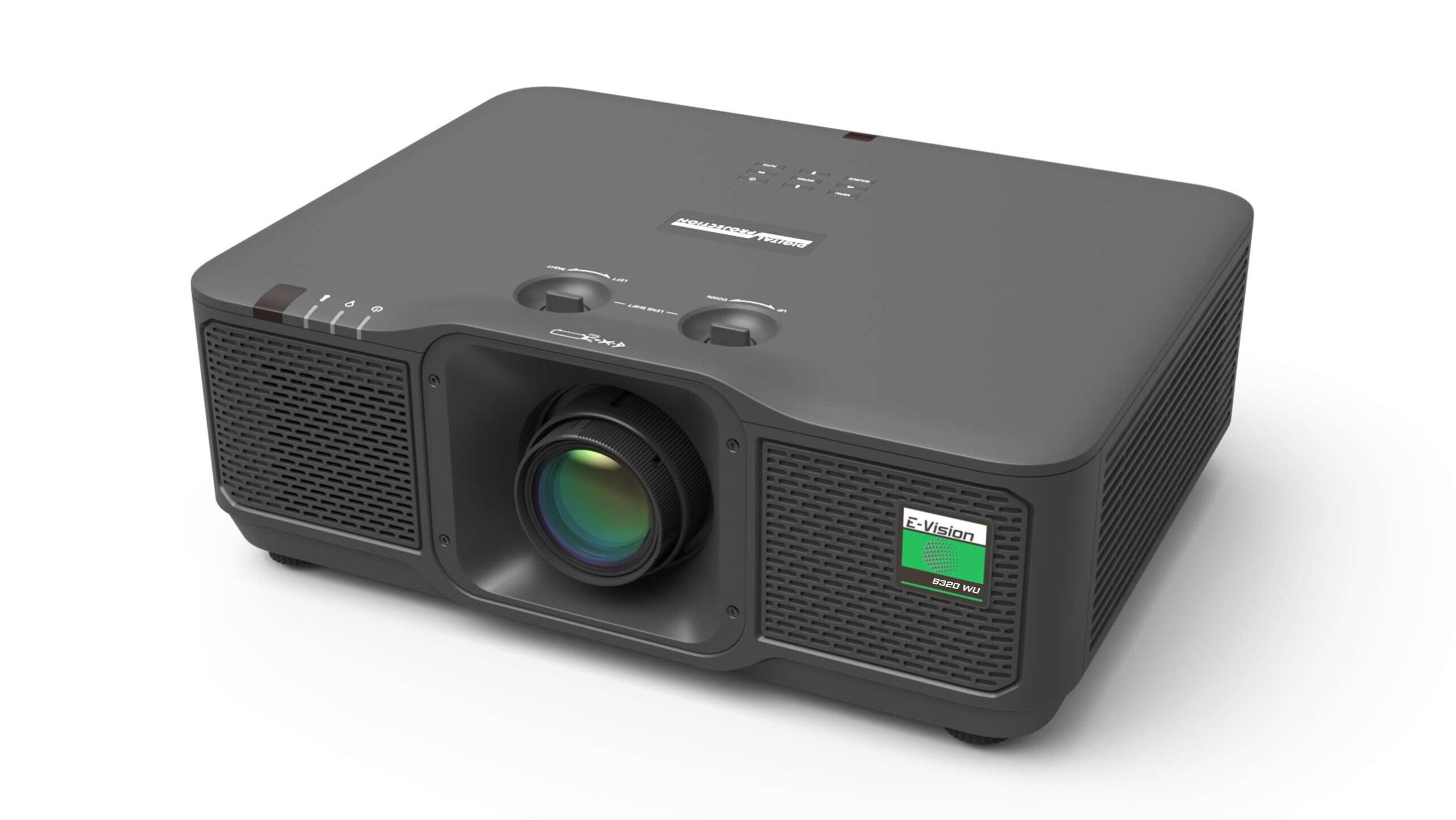
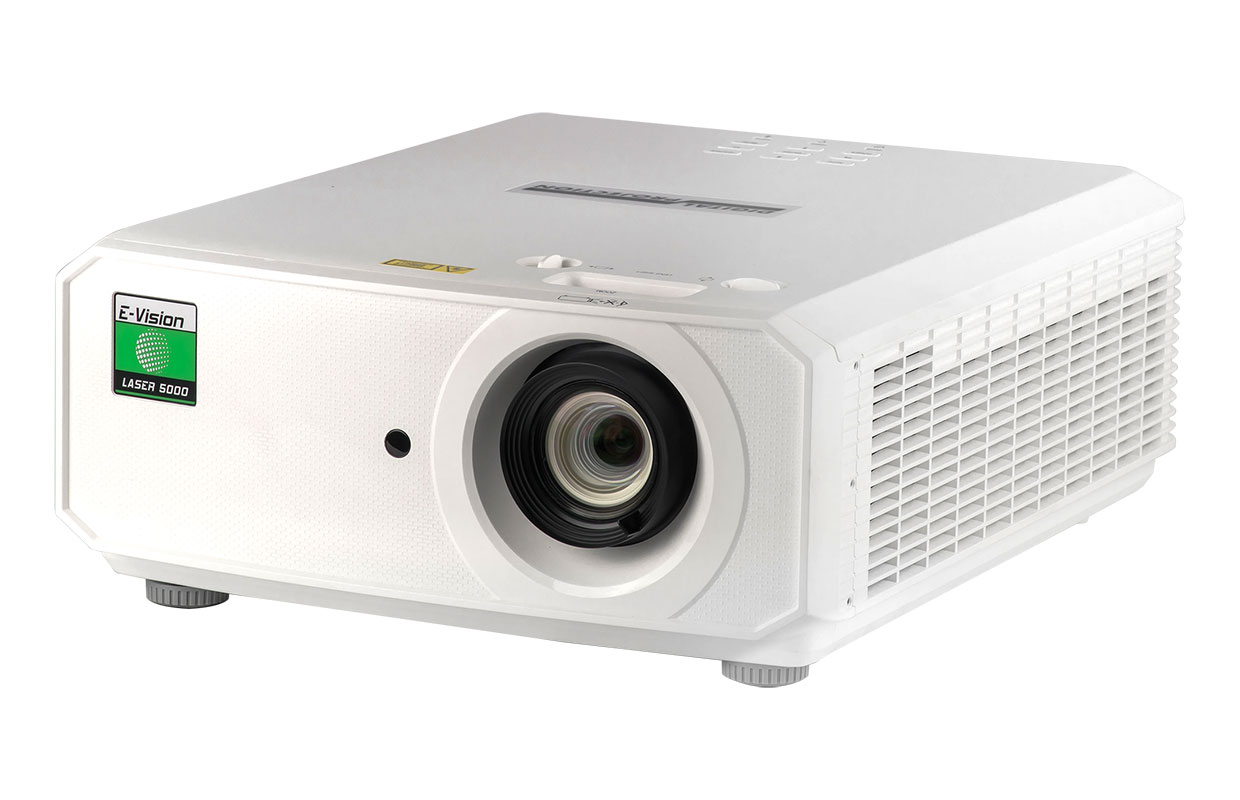
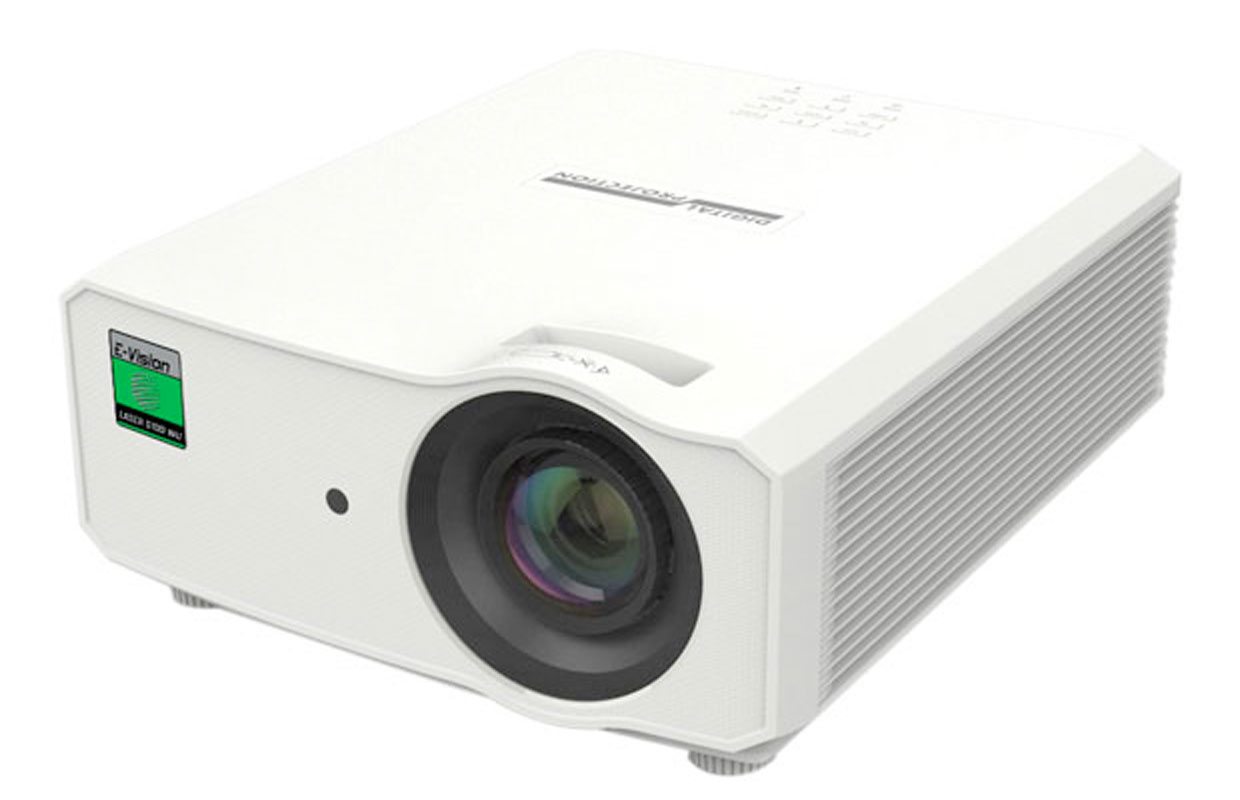
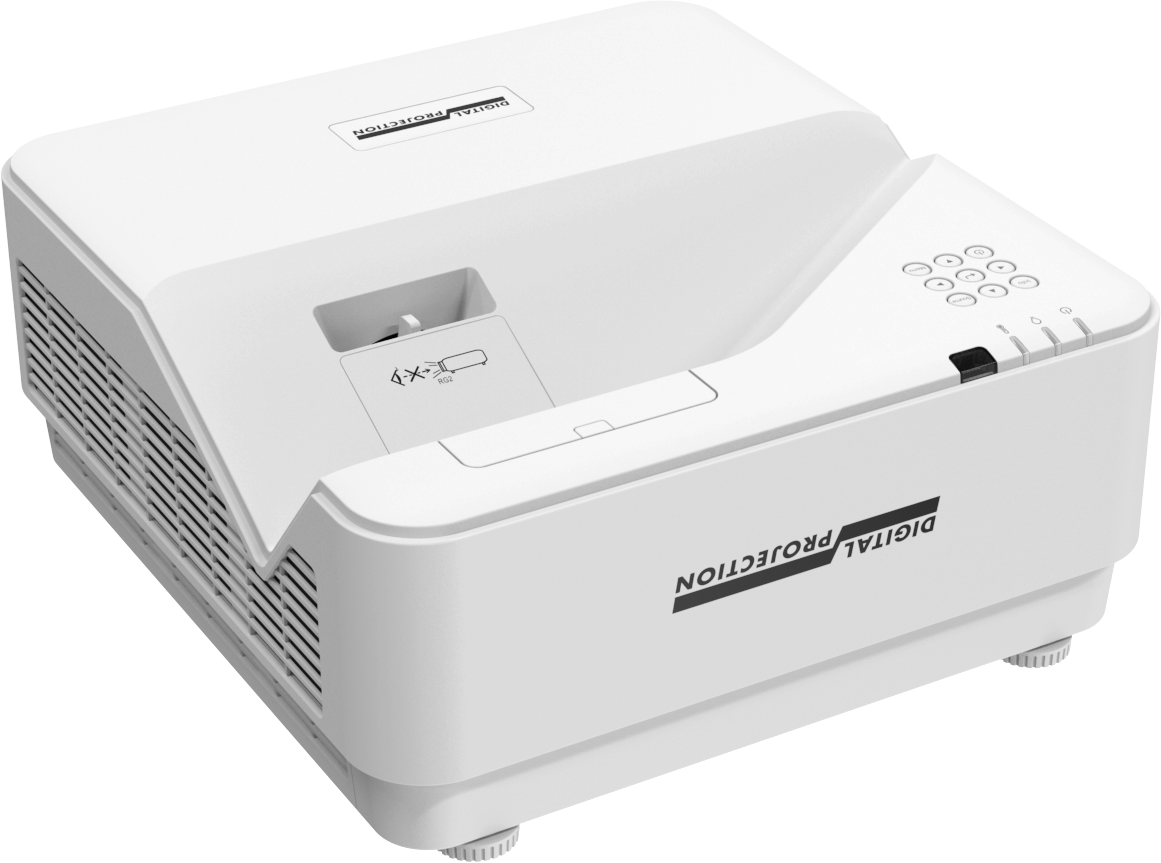
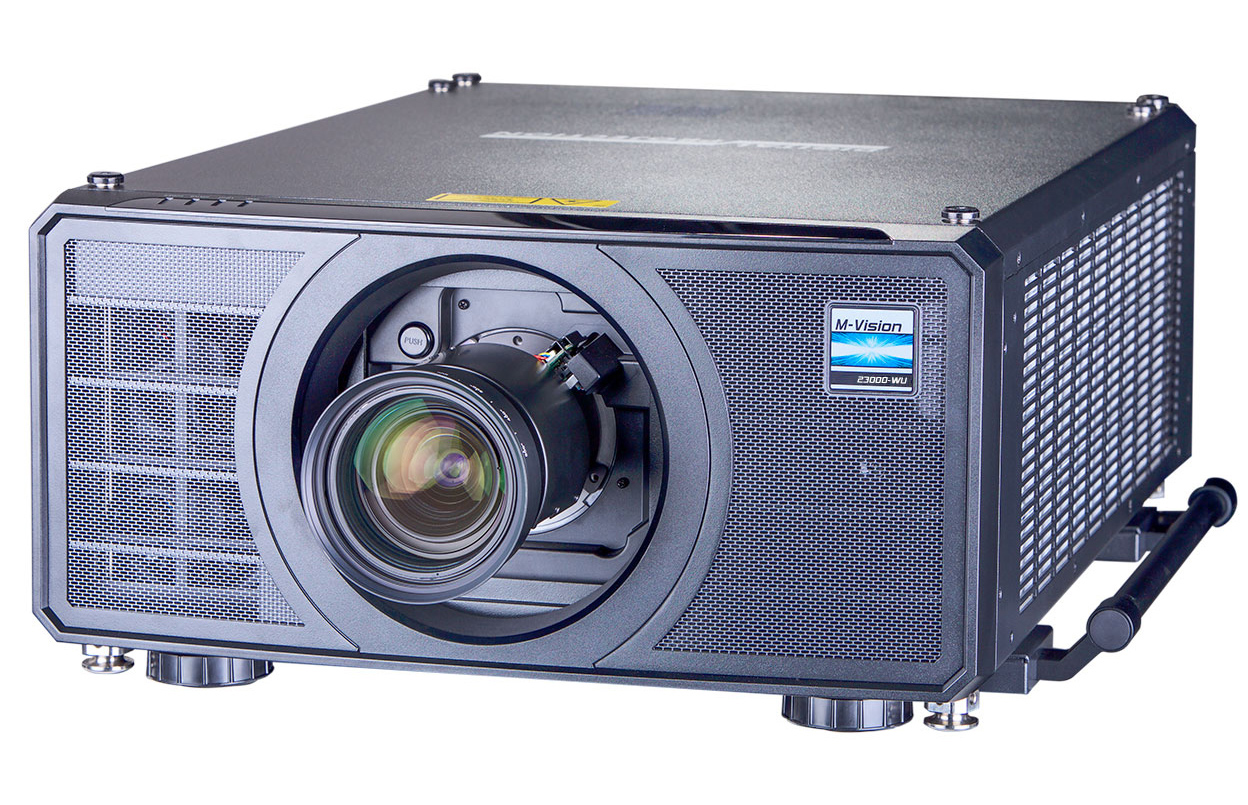
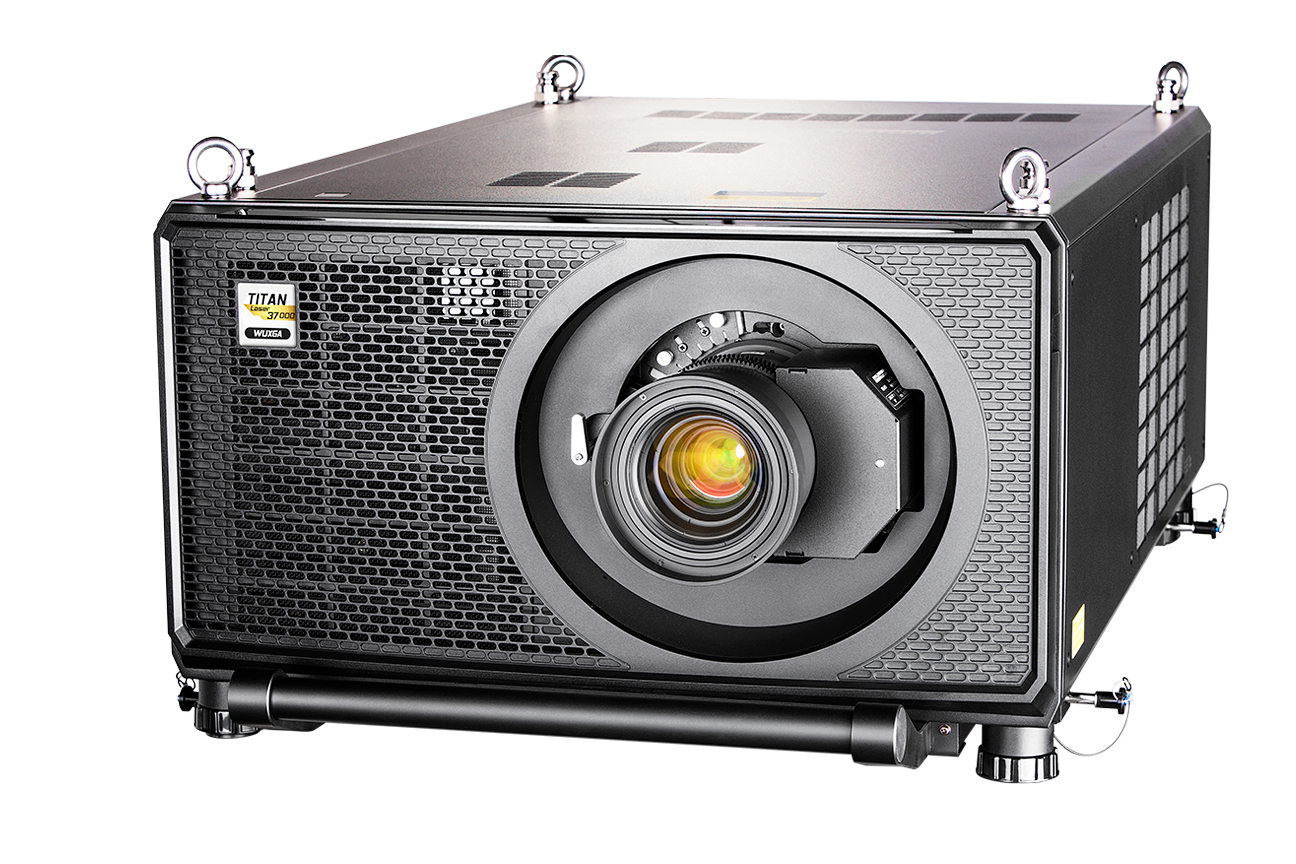
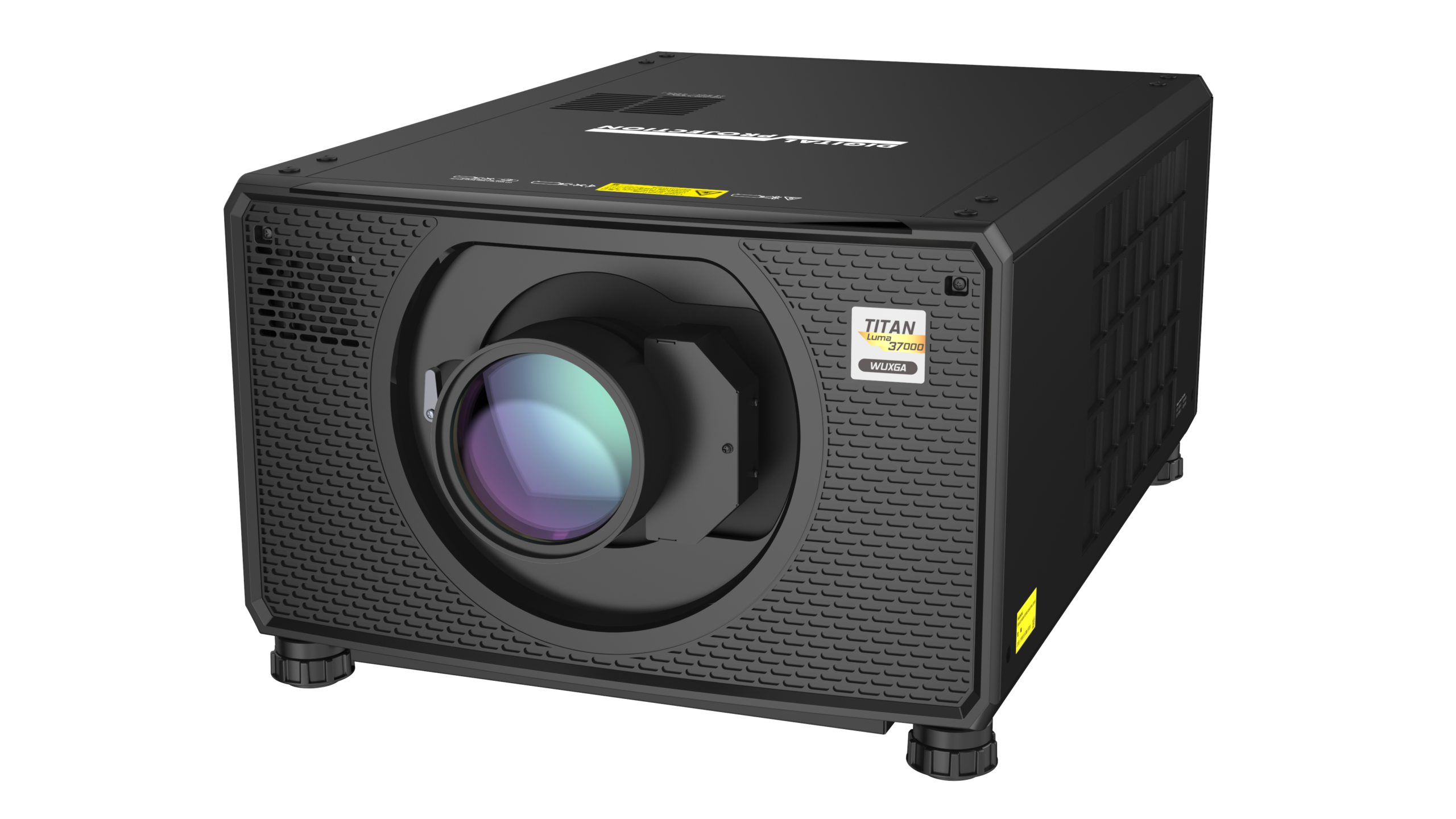
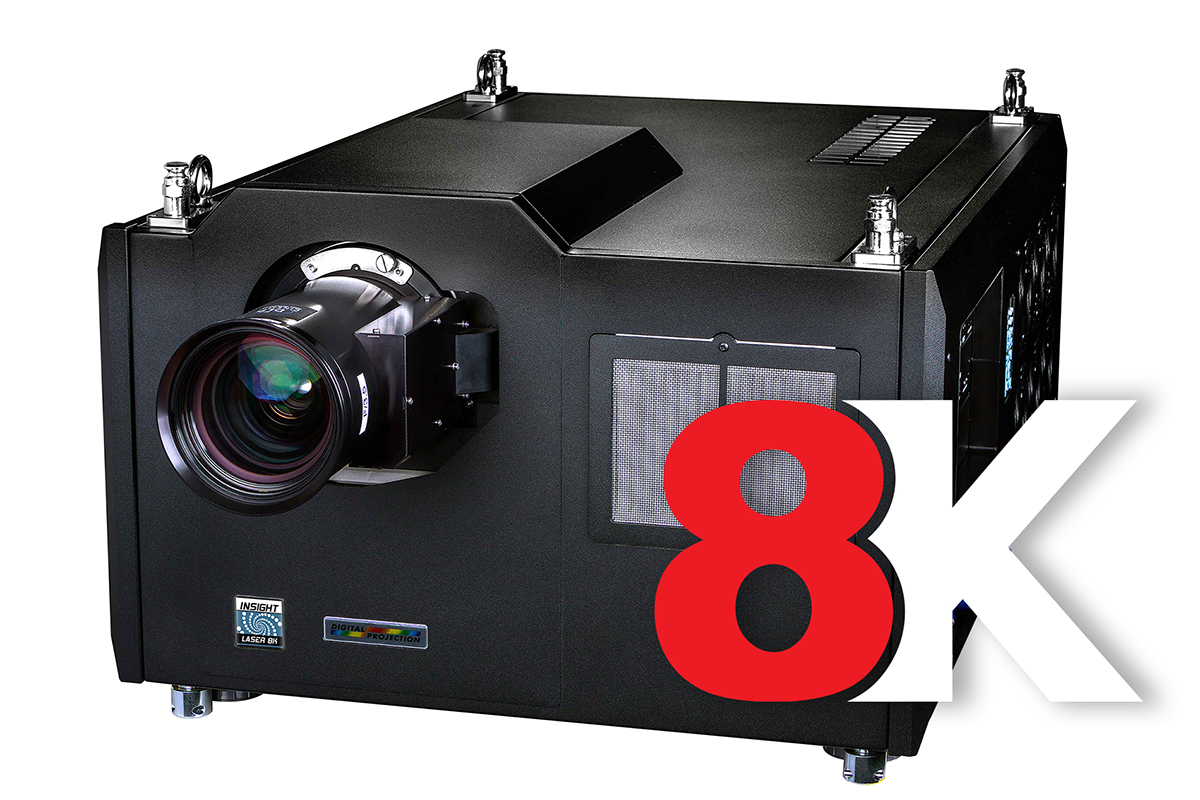
A digital imaging pioneer and industry leader, Digital Projection manufactures an extensive and expanding line of ultra high-performance 3-chip and single-chip DLP® projection systems. These projectors are the reference standard for demanding applications such as large-venue, live-event staging, education, medical and scientific research, command and control, digital cinema, commercial entertainment, houses of worship and elite residential entertainment.
View all projectors
Satellite MLS: simple building blocks for complex applications.
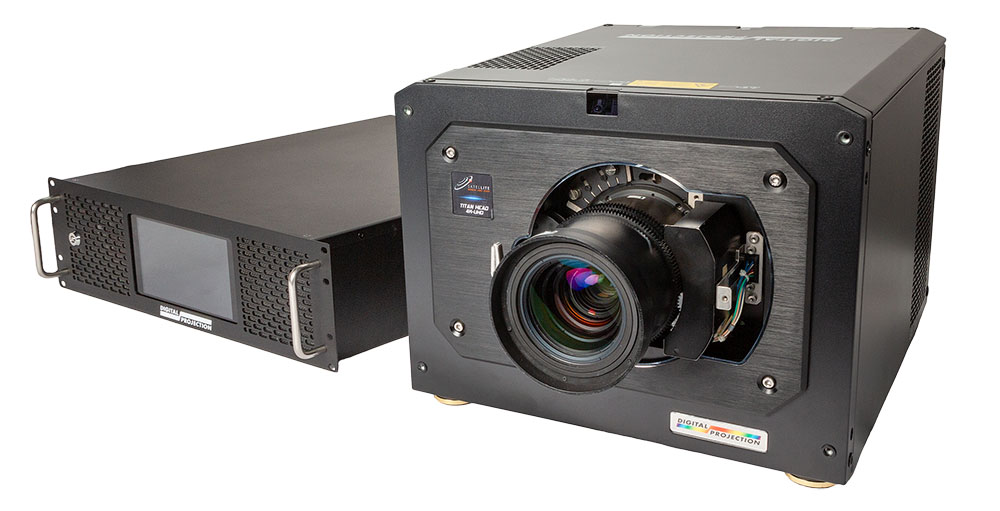
Satellite Modular Laser System (MLS) offers a small number of simple building blocks that allow users to address a wide range of applications, from single projector installs to complex, multi-channel domes, caves and simulators. Where RGB laser illumination used to be the preserve of only very high-end applications, the Digital Projection Satellite MLS system will make this technology accessible to the wider AV market, at a cost-effective price point.
More about Satellite MLS Projection Systems
Creating outstanding visual experiences for markets across the globe
Digital Projection was founded with one key objective: to innovate the projection technology challenge, we have worked closely with our customers to assure our products create the most stunning imagery possible within every application.
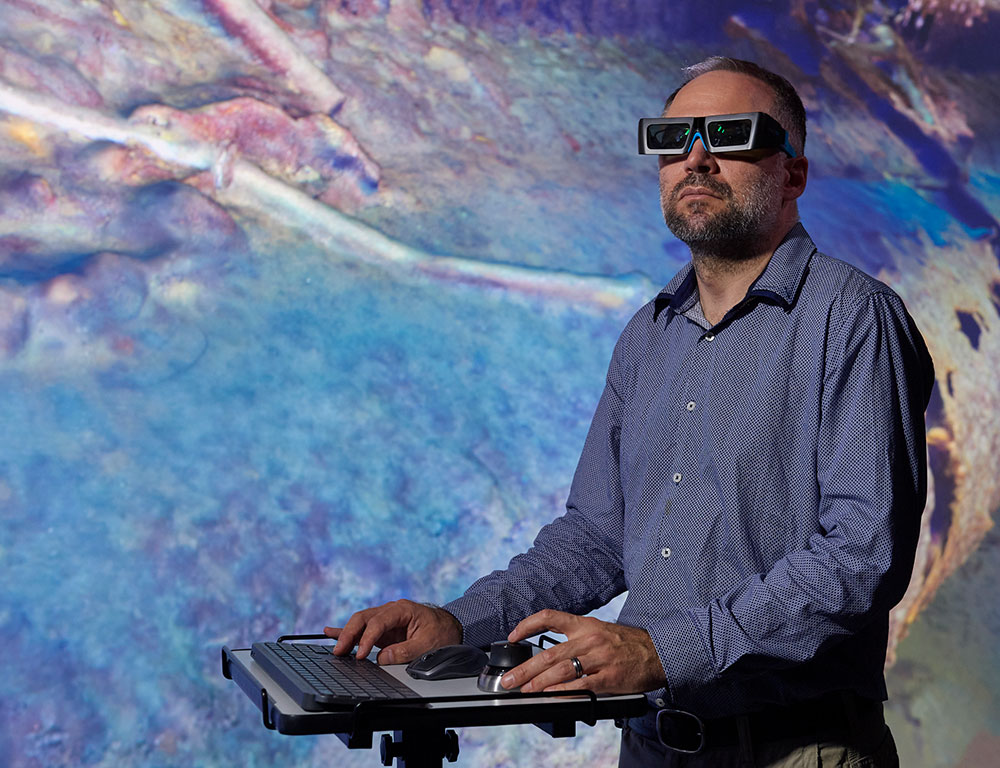
Visualization/VR
Truly immersive, collaborative and interactive 3D experiences. Whether it is a Powerwall, a CAVE or the ultimate 3D Experience with our ground-breaking MultiView System, Digital Projection have a high-performance DLP solution to bring your vision to life.
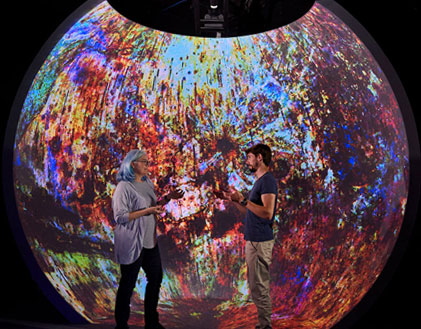
Simulation & Training
Digital Projection provides projectors to meet any simulation and training need in any environment. Digital Projection provides proven projector solutions qualified on the following training devices: Level D and C Devices, Air Traffic Control Tower, JTAC (forward observer), EST2 (small arms), CCS, RVS, VCTT (convoy), DNV Class A Ship Bridge and Side Bridge, and Fast Jet Trainers.
Recent Case Studies
Digital Projection lights up the…
Read more
Bravida and Digital Projection equipped Kilden Performing Arts Centre with a flexible, modular TITAN 4K RGB projection system that delivers high brightness, quiet operation, and seamless adaptability for a wide range of live performances.
State-of-the-art auditorium installations in historic…
Read more
Two of Rennes’ most prestigious cultural and conference venues have recently been upgraded with cutting-edge projection technology from Digital Projection, enhancing their ability to deliver immersive, high-quality visual experiences.
Testimonials

Jason Lyell, President and CEO – Lyell Group

“The Radiance LED wall brought our vision to life with image quality exceeding our highest expectations. We were extremely impressed and grateful with the level of dedication and meticulousness that the DPI team showed.”
Lorraine Herger, Former Director of Research Integrated Solutions – IBM

“DP has changed my expectation for what can be done with a projector. With profound contrast, tack-sharp clarity, and vibrant colors, our video production has never looked so good.”
Johnnie Barlow, Video Production Manager – Grace Polaris Church
Latest News

Featured
News
InfoComm 2025
Digital Projection is gearing up for InfoComm 2025, taking place June 11–13 in Orlando at the Orange County Convention Center. They’ll be at Booth #4353, where they’re showcasing next‑generation projection technologies: the new single-chip E‑Vision 10000i 4K+ with a 0.8″ HEP DMD (delivering enhanced brightness and contrast), and their Nexus electronics platform that enables warping, blending, and performance rivaling three-chip systems in a much smaller, cost- effective footprint
read more
News
Digital Projection unleashes the power…
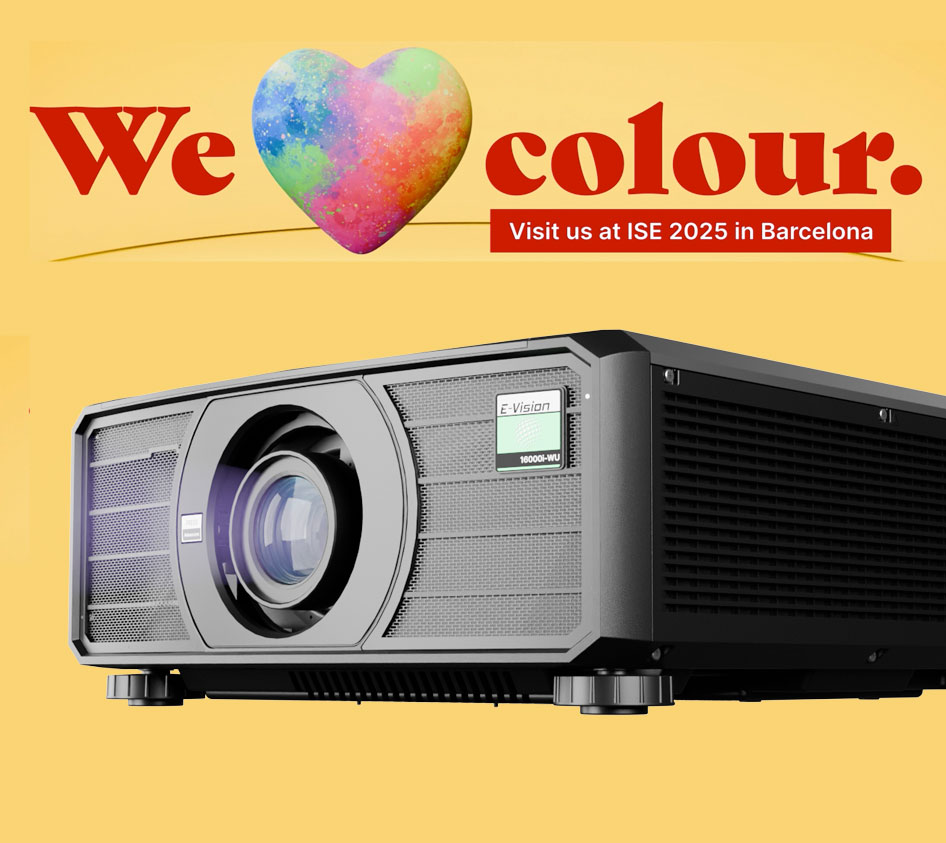
Manchester (UK), 11th January 2025 – Digital Projection will paint the town red (and green, and blue) at Integrated Systems Europe 2025, showcasing its cutting-edge new 1-chip projectors – which incorporate Texas Instruments’ groundbreaking High-Efficiency-Pixel (HEP) DMD for never-before-seen colour accuracy and native contrast – and Nexus electronics platform, for unparalleled precision and control over projector installations. Under […]
read more
News
Digital Projection releases free Projector…
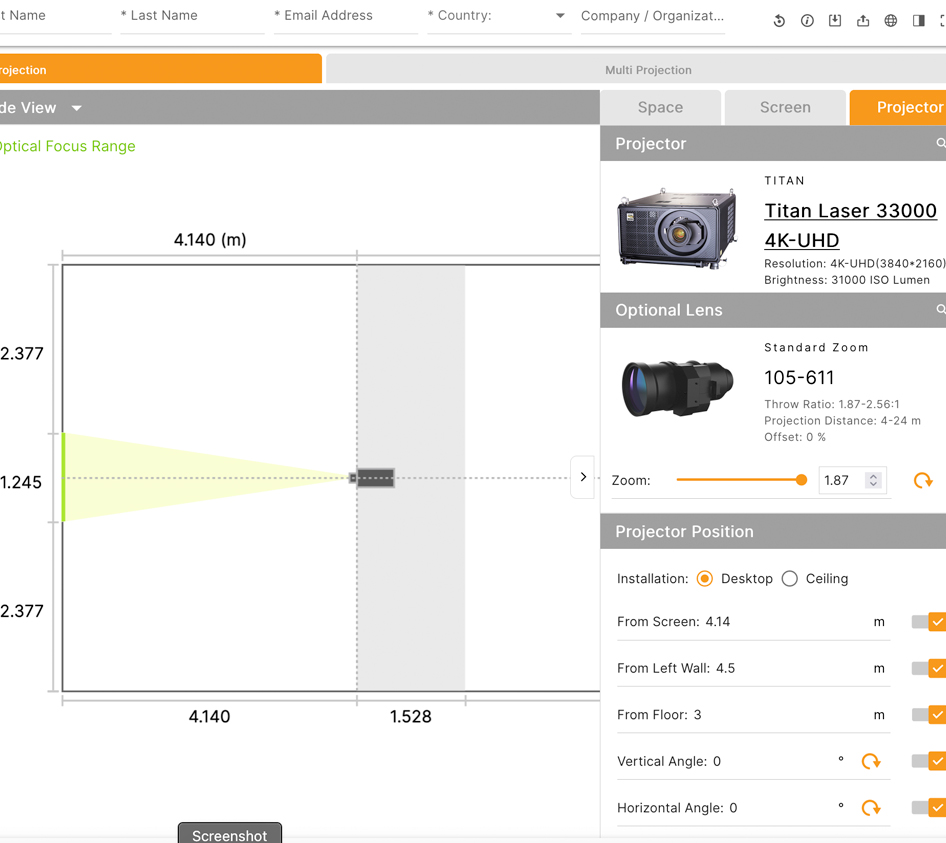
Manchester (UK), 9th November 2023 – Digital Projection has released Projection Simulator, a free web-based application which helps users choose a suitable projector for their fixed installation, rental staging and video mapping needs.
read more












 Request a Callback
